Notion AI Review 2026: Is It Worth the Upgrade?
- What Is Notion AI?
- Key Features of Notion AI in 2026
- 1. AI Writing Assistant
- 2. AI Q&A Across Your Workspace
- 3. AI Autofill for Databases
- 4. Meeting Notes and Summaries
- 5. AI-Powered Automations
- 6. Smart Templates
- Notion AI Pricing in 2026
- Real-World Use Cases
- Content Creators and Writers
- Project Managers and Operations Teams
- Startups and Small Teams
- Where Notion AI Falls Short
- It Can Hallucinate
- Usage Limits Can Be Frustrating
- The Learning Curve Is Real
- Internet Dependency
- Quality Is Context-Dependent
- How Notion AI Compares to the Competition
- Notion AI vs. Microsoft Copilot in Teams
- Notion AI vs. Coda AI
- Notion AI vs. Standalone AI Tools (ChatGPT, Claude)
- Who Should Use Notion AI?
- Final Verdict
Notion AI Review 2026: Is It Worth It?
If you’ve spent any time in the productivity space over the last few years, you already know that Notion has become something of a cultural institution. It started as a flexible all-in-one workspace and evolved into a platform that millions of individuals, startups, and enterprise teams use to organize their entire work lives. But when Notion bolted artificial intelligence onto its already impressive feature set, the conversation got a lot more interesting.
In this Notion AI review, we’re going in deep. We’ll look at what Notion AI actually does in 2026, how much it costs, where it genuinely shines, and where it still leaves something to be desired. Whether you’re a solo freelancer considering upgrading your plan or a team lead evaluating tools for your organization, this Notion AI review 2026 has everything you need to make a smart decision.
What Is Notion AI?
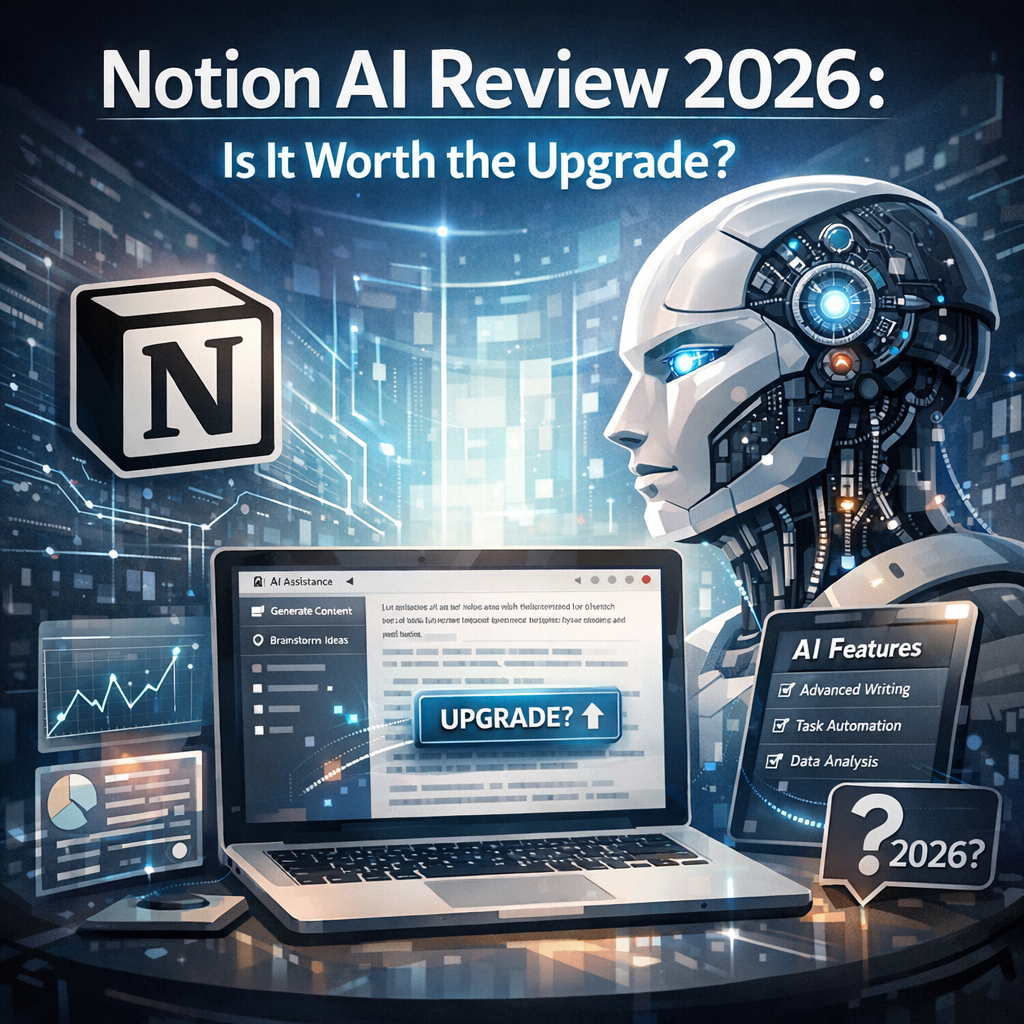
Notion AI is an artificial intelligence layer built directly into the Notion workspace. Rather than forcing you to toggle between your productivity tool and a separate AI chat interface, Notion AI lives right inside your pages, databases, and documents. You can invoke it with a simple slash command or a dedicated button, and it responds within the context of whatever you’re working on.
Since its initial rollout, Notion AI has gone through several significant upgrades. By 2026, it’s no longer just a writing assistant that can summarize blocks of text. It’s a genuinely capable tool that can reason across your entire workspace, connect the dots between projects, generate structured content, and even help you build automations without writing a single line of code.
Think of it less like a feature and more like a layer of intelligence sitting on top of everything you already do in Notion.
Key Features of Notion AI in 2026
1. AI Writing Assistant
The writing assistant is still the most widely used feature, and it has matured considerably. You can ask Notion AI to:
- Draft documents from a simple prompt
- Rewrite content in a different tone or style
- Shorten or expand existing passages
- Fix grammar and improve clarity
- Translate text into dozens of languages
- Generate action items from meeting notes automatically
What makes this more useful than using a standalone tool like ChatGPT is context. When you ask Notion AI to “write a project brief,” it can pull from your existing databases, templates, and workspace content to produce something that actually fits your workflow rather than a generic output you’d need to heavily customize.
2. AI Q&A Across Your Workspace
This is arguably the most powerful feature Notion AI offers in 2026. Using natural language, you can ask questions about your entire workspace — and get accurate, sourced answers.
For example:
- “What did we decide about the marketing strategy in Q3?”
- “Summarize all open tasks assigned to Sarah this week.”
- “What are the recurring themes in our customer feedback database?”
Notion AI searches through your pages, databases, and linked documents to surface relevant answers. Each response comes with source citations so you can click through and verify the information. For teams managing large knowledge bases, this feature alone can save hours of digging through documents every week.
3. AI Autofill for Databases
If you live and breathe Notion databases, the AI Autofill feature will feel like magic. You can configure an AI property in any database and define what you want it to do — summarize a linked document, classify an entry, extract key information, generate a one-sentence description, or assign tags based on content.
Once set up, the AI property populates automatically every time a new entry is added. Content teams use this to auto-categorize blog posts. Sales teams use it to summarize CRM notes. HR teams use it to extract key points from candidate submissions. The use cases are practically endless.
4. Meeting Notes and Summaries
Notion AI integrates with calendar tools and can work with imported transcripts to produce structured meeting notes. You can take a raw dump of meeting content and have Notion AI organize it into:
- Key decisions made
- Action items with owners
- Topics discussed
- Follow-up questions
This is a genuine time-saver. Teams that used to spend 20–30 minutes cleaning up meeting notes after calls can now have a polished, structured summary in under a minute.
5. AI-Powered Automations
In 2026, Notion’s automation capabilities have grown significantly, and AI is now deeply embedded in them. You can build workflows where AI actions trigger based on database changes. For example:
- When a new client form submission arrives, AI generates a tailored onboarding checklist.
- When a task is marked complete, AI drafts a progress update and adds it to the project log.
- When a support ticket is created, AI categorizes it and routes it to the right team page.
You don’t need to be a developer to set these up. The interface is visual and intuitive, and Notion AI can even help you build the automation by describing what you want in plain English.
6. Smart Templates
Notion AI can now generate custom templates on the fly based on your description. Instead of browsing a template library and adapting something generic, you describe what you need — “a weekly content calendar for a three-person team with editorial review stages” — and Notion AI builds a database structure, adds relevant properties, and populates example entries so you can see how it works before you go live.
Notion AI Pricing in 2026
Let’s talk about money, because this is where some people hit a wall.
Notion AI is available as an add-on or included in certain plan tiers, depending on how Notion has structured their pricing at the time you’re reading this. Here’s the general landscape:
- Free Plan: Limited or no access to Notion AI features.
- Plus Plan: Basic AI features available with usage caps.
- Business Plan: Full access to Notion AI, including Q&A, Autofill, and Automations, with higher usage limits.
- Enterprise Plan: Unlimited AI usage, advanced security controls, and priority support.
The AI add-on has historically been priced at around $8–10 per member per month when purchased separately, which is on the higher end for an add-on feature. However, when you factor in what you’re replacing — separate subscriptions to AI writing tools, summarization apps, and automation platforms — the math often works out in Notion’s favor for teams that use it seriously.
For solo users, the value equation is tighter. If you’re a freelancer who primarily uses Notion for personal notes and simple project management, you may not need the full suite of AI features. But if you’re a knowledge worker who regularly processes large amounts of information and creates a lot of written content, the upgrade tends to pay for itself quickly.
Real-World Use Cases
Content Creators and Writers
For bloggers, content strategists, and copywriters, Notion AI has become a legitimate part of the production pipeline. A typical workflow might look like:
- Use AI to brainstorm article ideas based on existing content pillars
- Generate a detailed outline with one prompt
- Draft individual sections with AI assistance
- Use the rewrite tool to refine tone
- Autofill a content calendar database with tags, summaries, and SEO keywords
The result is a dramatically faster content workflow without sacrificing quality, especially when you’re editing the AI output with your own voice and expertise rather than publishing raw drafts.
Project Managers and Operations Teams
Project managers get a lot of mileage from the Q&A feature and database Autofill. Instead of manually updating status reports or hunting through notes to remember past decisions, they can ask plain-language questions and get clear answers sourced from real workspace data.
The automation features also shine here. Routine operational updates, status summaries, and task assignments that used to require manual effort can now be handled automatically, freeing up time for higher-level thinking.
Startups and Small Teams
Small teams often wear many hats, and Notion AI helps compensate for limited bandwidth. A two-person startup can use Notion AI to:
- Maintain a thorough knowledge base without dedicating someone full-time to documentation
- Onboard new contractors or employees faster with AI-generated guides
- Keep meeting records clean and searchable
- Draft proposals, briefs, and client communications quickly
For teams without the budget or headcount to hire specialists, Notion AI acts like a capable generalist that’s always available.
Where Notion AI Falls Short
No tool is perfect, and a complete Notion AI review has to be honest about the limitations.
It Can Hallucinate
Like all AI tools built on large language models, Notion AI can sometimes produce inaccurate information, especially when generating content rather than summarizing existing documents. Always review AI-generated output before using it in a professional context. The source citations in the Q&A feature help mitigate this for workspace searches, but hallucinations can still occur.
Usage Limits Can Be Frustrating
Even on higher-tier plans, heavy users sometimes hit rate limits during peak usage periods. For teams that rely on AI Autofill across thousands of database entries or run frequent large-scale Q&A sessions, the limits can interrupt workflows.
The Learning Curve Is Real
Notion itself has a notoriously steep learning curve, and adding AI on top of that can be overwhelming for new users. The most powerful features — like custom AI automations and Autofill configurations — require a solid understanding of how Notion databases and properties work before you can use them effectively. Don’t expect to unlock the full potential of Notion AI on day one.
Internet Dependency
Because Notion AI processes everything in the cloud, it requires a stable internet connection. If you frequently work offline, you’ll lose access to all AI features, which can be a dealbreaker for certain users.
Quality Is Context-Dependent
The AI performs best when there’s a lot of existing content in your workspace to draw from. If you’re just starting out with Notion and your pages are mostly empty, the Q&A and Autofill features won’t have much to work with. The tool grows with your workspace, which means the return on investment increases over time — but it also means new users may be underwhelmed initially.
How Notion AI Compares to the Competition
In 2026, Notion AI competes in a crowded field. Here’s a quick look at how it stacks up against key alternatives:
Notion AI vs. Microsoft Copilot in Teams
Microsoft Copilot has deep integration with the entire Microsoft 365 suite, which gives it an edge for organizations already embedded in that ecosystem. However, Notion AI’s database-centric design and flexibility make it more customizable for non-enterprise teams. Copilot wins on breadth; Notion AI wins on adaptability.
Notion AI vs. Coda AI
Coda AI is probably Notion AI’s closest competitor. Both tools offer AI-enhanced databases, writing assistance, and automation features. Coda has historically been slightly more powerful on the formula and automation front, while Notion has a larger user base and more polished design. The right choice often comes down to personal preference and which platform you started with.
Notion AI vs. Standalone AI Tools (ChatGPT, Claude)
Standalone AI assistants are more powerful in raw capability — they can handle longer context windows, more complex reasoning tasks, and a wider range of use cases. But they require you to context-switch constantly, copying information back and forth between your AI tool and your workspace. Notion AI sacrifices some raw power for deep integration, and for most productivity workflows, that tradeoff is worth it.
Who Should Use Notion AI?
Based on everything we’ve covered, here’s a simple breakdown:
Notion AI is a great fit if you:
- Already use Notion as your primary workspace
- Regularly process large amounts of written information
- Manage or work on a team that relies on shared documentation
- Create a lot of content and want to speed up your workflow
- Want to build lightweight automations without coding
Notion AI might not be worth it if you:
- Are a casual Notion user who only keeps simple lists
- Rely heavily on offline access
- Need the most powerful AI capabilities available and don’t mind switching between tools
- Are on a tight budget and already have AI tools you’re happy with
Final Verdict
After this thorough Notion AI review 2026, the answer to the central question — is it worth it? — is a qualified yes for most serious Notion users.
The tool has matured into something genuinely useful, not just a gimmick bolted onto an existing product. The Q&A feature is remarkably practical for knowledge management, the database Autofill opens up powerful automation possibilities, and the writing assistant does exactly what it promises with impressive context-awareness.
The limitations are real — usage caps, hallucination risk, and the learning curve are all legitimate concerns. But none of them are dealbreakers for users who approach Notion AI with reasonable expectations and a willingness to invest time in learning the tool.
If Notion is already the center of your workflow, adding AI to it isn’t just convenient — it’s genuinely transformative. And if you’re evaluating Notion for the first time, the AI layer makes a compelling case for choosing it over simpler alternatives.
The workspace you already live in just got a lot smarter.
Have questions about Notion AI or want to share your own experience with the tool? Drop a comment below — we’d love to hear how you’re using AI in your workflow.