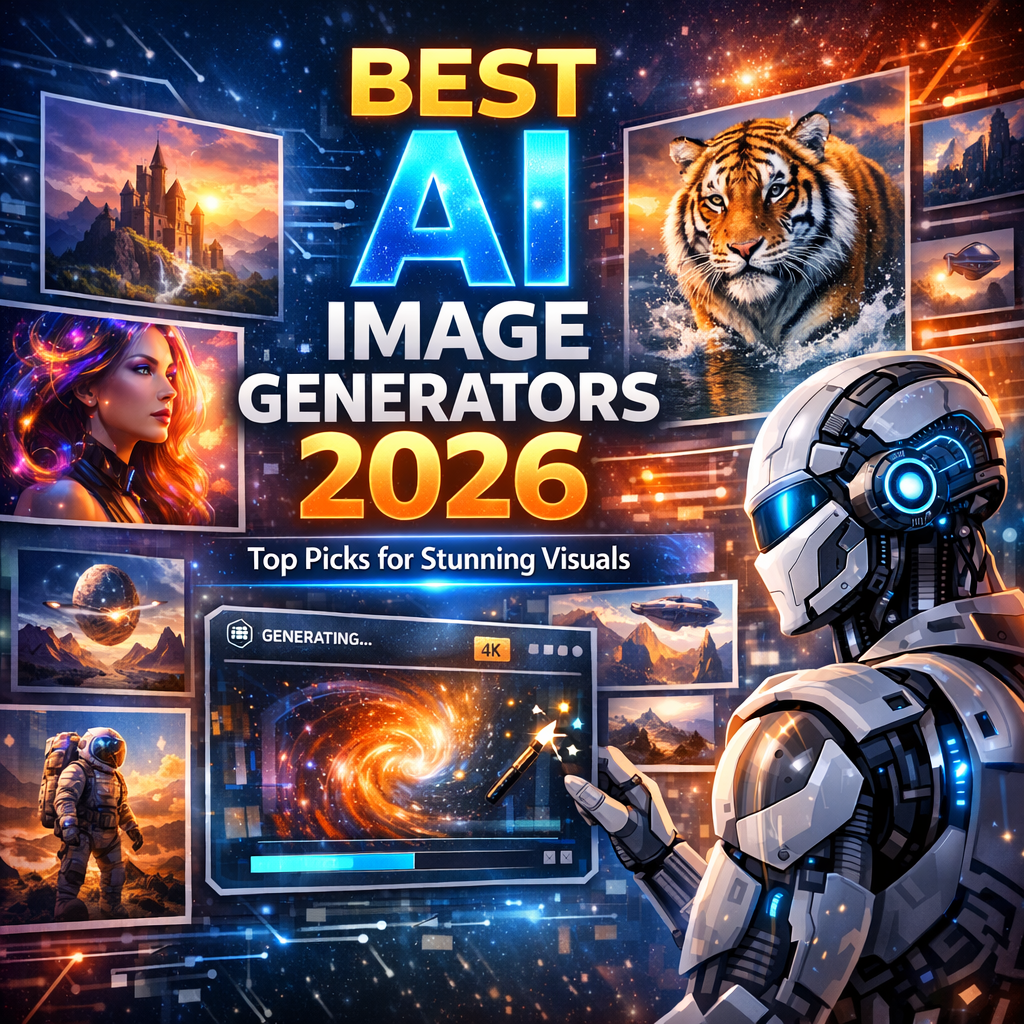
Best AI Image Generators 2026: Top Picks for Stunning Visuals
- What Makes an AI Image Generator Stand Out in 2026?
- Key Criteria We Evaluated
- 1. Midjourney V7 — Best for Artistic and Aesthetic Quality
- What’s New in V7
- Best For
- Pricing
- Limitations
- 2. DALL·E 4 by OpenAI — Best for Prompt Accuracy and Versatility
- Standout Features
- Best For
- Pricing
- Limitations
- 3. Adobe Firefly 3 — Best for Professional Designers and Teams
- What Sets Firefly 3 Apart
- Best For
- Pricing
- Limitations
- 4. Stable Diffusion 4 (via Stability AI & Civitai) — Best for Advanced Customization
- Why Stable Diffusion Still Dominates for Power Users
- Best For
- Pricing
- Limitations
- 5. Canva AI Image Generator — Best for Non-Designers and Quick Turnaround
- Highlights
- Best For
- Pricing
- Limitations
- 6. Ideogram 3 — Best for Typography and Text-Heavy Images
- Why Ideogram Stands Out
- Best For
- Pricing
- Limitations
- Comparing the Best AI Image Generators at a Glance
- How to Choose the Right AI Image Generator for Your Needs
- Ask Yourself These Questions
- Tips for Getting Better Results from Any AI Image Generator
- Prompting Best Practices
- Conclusion
Best AI Image Generators 2026: Top Picks for Every Creator
The world of AI image generation has come a long way since the early days of blurry, distorted outputs that barely resembled what you typed into the prompt box. In 2026, the best AI image generators have become indispensable tools for designers, marketers, content creators, game developers, and everyday hobbyists who want to bring their visual ideas to life without picking up a paintbrush or hiring an expensive design team.
Whether you’re building a brand, creating digital art, generating assets for a video game, or simply experimenting with creative expression, the right AI image generator can transform your workflow. But with dozens of platforms on the market, each claiming to be the best, choosing the right one can feel overwhelming.
This guide breaks down the best AI image generators 2026 has to offer, covering their strengths, weaknesses, ideal use cases, and pricing — so you can make an informed decision and get creating faster.
What Makes an AI Image Generator Stand Out in 2026?
Before diving into the top picks, it helps to understand what separates a good AI image generator from a great one. In 2026, the bar has been raised considerably. Users now expect more than just “decent” outputs.
Key Criteria We Evaluated
- Image quality and realism: How sharp, detailed, and photorealistic (or stylistically accurate) are the results?
- Prompt understanding: Does the model accurately interpret nuanced, complex prompts?
- Speed: How quickly does the model generate images?
- Customization and control: Can users adjust styles, aspect ratios, fine-tune models, or upload reference images?
- Pricing: Is there a free tier? Is the paid plan worth the cost?
- Commercial licensing: Can you legally use the images for commercial projects?
- Ease of use: Is the interface beginner-friendly without sacrificing depth for advanced users?
With those criteria in mind, here are the top AI image generators making waves in 2026.
1. Midjourney V7 — Best for Artistic and Aesthetic Quality
Midjourney has long been the go-to platform for creators who prioritize stunning visual aesthetics, and the V7 release has only solidified that reputation. With dramatically improved coherence, lighting, and compositional awareness, Midjourney V7 produces images that often feel like they were crafted by a professional illustrator or concept artist.
What’s New in V7
- Enhanced consistency mode: Generate multiple images of the same character or subject with consistent facial features and styling across frames — a game-changer for storytellers and comic creators.
- Improved text rendering: One of the most requested features, V7 can now generate readable text within images far more reliably than previous versions.
- Deeper style control: Users can blend artistic styles with more precision, mixing photorealism with painterly aesthetics without awkward blending artifacts.
Best For
- Digital artists and illustrators
- Book cover designers
- Social media content creators
- Concept artists in film and gaming
Pricing
Midjourney offers tiered subscriptions starting at around $10/month for a basic plan, with higher tiers unlocking faster GPU access, unlimited relaxed generations, and stealth mode for private creations.
Limitations
Midjourney still operates primarily through its web platform and Discord bot interface. While its web app has matured significantly, users who want deep API integration may find it more limiting compared to some competitors.
2. DALL·E 4 by OpenAI — Best for Prompt Accuracy and Versatility
OpenAI’s DALL·E series has always distinguished itself through its exceptional natural language understanding, and DALL·E 4 takes that strength to a new level. If you’re someone who writes long, detailed, nuanced prompts and wants the AI to actually understand them, DALL·E 4 is among the most reliable options available.
Standout Features
- Multi-object coherence: DALL·E 4 handles complex scenes with multiple interacting objects and characters far more accurately than earlier models.
- Instruction-following precision: It understands spatial relationships, emotional tones, and descriptive nuances — for example, “a woman sitting to the left of a red bicycle on a cobblestone street in golden hour light” will actually produce that image.
- Seamless ChatGPT integration: For users already on the ChatGPT ecosystem, image generation flows naturally within conversations, making it easy to iterate and refine.
Best For
- Content marketers and bloggers needing quick, accurate visuals
- Educators creating teaching materials
- Business professionals who need presentation graphics
- Product mockup designers
Pricing
DALL·E 4 is available through ChatGPT Plus and Pro plans, as well as through OpenAI’s API for developers. Access is bundled with the subscription, making it very cost-effective for people already using ChatGPT.
Limitations
While DALL·E 4 is excellent at prompt adherence, it doesn’t always match Midjourney’s raw aesthetic beauty or Stable Diffusion’s customizability. It’s the workhorse of the group — reliable and accurate, but not always the most visually surprising.
3. Adobe Firefly 3 — Best for Professional Designers and Teams
Adobe has leaned hard into its existing creative ecosystem, and Firefly 3 is the most polished version yet. Built directly into Adobe Creative Cloud apps like Photoshop, Illustrator, and Express, Firefly 3 is arguably the most workflow-integrated AI image tool available to professional designers.
What Sets Firefly 3 Apart
- Generative Fill and Expand: Remove unwanted objects, extend image backgrounds, or replace selected areas with AI-generated content — seamlessly, within Photoshop.
- Style matching: Upload a reference image and Firefly will generate new content that matches the style, color palette, and mood.
- Commercial-safe output: All Firefly-generated content is trained on licensed and public domain images, meaning commercial use is explicitly covered. This is a crucial differentiator for agencies and businesses.
- Team collaboration features: Built for multi-user workflows, with brand kits and shared assets within Adobe Express.
Best For
- Graphic designers
- Marketing agencies
- Social media managers
- Photographers using Photoshop
Pricing
Firefly is included in Adobe Creative Cloud subscriptions. Standalone Firefly access is also available with a free tier offering a limited number of monthly credits and paid plans for heavy users.
Limitations
Firefly’s standalone web interface is less impressive than Midjourney or DALL·E 4 when used outside of Adobe’s apps. Its true value shines when embedded within the Adobe ecosystem, making it less appealing for users who aren’t already Creative Cloud subscribers.
4. Stable Diffusion 4 (via Stability AI & Civitai) — Best for Advanced Customization
For those who want absolute creative control and don’t mind a steeper learning curve, Stable Diffusion 4 remains the king of customizable AI image generation. As an open-source model, it can be run locally, fine-tuned on custom datasets, and extended with thousands of community-created models and LoRAs (Low-Rank Adaptations).
Why Stable Diffusion Still Dominates for Power Users
- Open-source flexibility: Run it on your own hardware and keep full ownership of everything you create.
- Massive model library: Thanks to communities like Civitai, there are thousands of fine-tuned models for everything from anime art to hyperrealistic portraits to architectural visualization.
- ControlNet and advanced tools: Guide image generation with pose references, depth maps, edge detection, and more.
- No censorship restrictions: Running locally means no content policy filters, which is important for certain professional use cases like horror game assets or mature art projects.
Best For
- AI researchers and developers
- Indie game developers
- Animators and VFX artists
- Privacy-conscious creators
Pricing
The base model is free and open-source. Running it locally requires a capable GPU (at minimum an NVIDIA RTX 3060). Cloud-based platforms like DreamStudio or RunDiffusion offer pay-as-you-go pricing for those who don’t want to manage local infrastructure.
Limitations
Stable Diffusion has a steep setup curve and requires technical knowledge to get the most out of it. For beginners or people who want quick results without configuration, it can be frustrating.
5. Canva AI Image Generator — Best for Non-Designers and Quick Turnaround
Canva has become one of the most accessible graphic design platforms in the world, and its integrated AI image generator has matured considerably in 2026. While it may not compete with Midjourney or DALL·E 4 in raw image quality, Canva’s strength lies in its seamless combination of AI image generation with ready-made templates, drag-and-drop design tools, and brand management features.
Highlights
- One-click integration: Generate an image and drop it directly into a poster, social media template, or presentation — all in the same window.
- Text to image within designs: Type a description and the AI fills a design element automatically.
- Brand Kit compatibility: Maintain consistent colors, fonts, and styles across your AI-generated visuals.
- No design experience required: The interface is intuitive enough for small business owners, teachers, and bloggers with zero graphic design background.
Best For
- Small business owners
- Teachers and educators
- Social media managers on a budget
- Bloggers and content creators
Pricing
Canva’s AI image features are available on the free tier with limited monthly uses. Canva Pro (around $15/month) unlocks significantly more generations and premium features.
Limitations
Canva’s image generator is not built for artistic or highly detailed work. It’s a convenience tool, not a professional creative platform in the same sense as the others on this list.
6. Ideogram 3 — Best for Typography and Text-Heavy Images
One of the most frustrating limitations of early AI image generators was their inability to render legible text within images. Ideogram has built its entire identity around solving this problem, and in 2026, Ideogram 3 is the undisputed leader in generating images where text needs to be readable, stylized, and accurately placed.
Why Ideogram Stands Out
- Native text rendering: Generate posters, t-shirt designs, logos, memes, and social banners where the text actually says what you want it to say.
- Typography styles: Choose from a variety of font aesthetics, from bold graffiti to elegant serif type, and apply them within the generated image.
- Magic prompt feature: Ideogram can enhance simple prompts automatically, making it easier for beginners to get high-quality results.
Best For
- T-shirt and merchandise designers
- Poster and banner creators
- Social media graphic designers
- Meme creators and digital marketers
Pricing
Ideogram offers a free tier with a limited number of daily generations. Paid plans start at approximately $8/month for priority access and more generations.
Limitations
Outside of text-heavy applications, Ideogram’s photorealistic and artistic output doesn’t consistently match the quality of Midjourney or DALL·E 4.
Comparing the Best AI Image Generators at a Glance
| Tool | Best For | Free Tier | Starting Price |
|---|---|---|---|
| Midjourney V7 | Artistic quality | No | ~$10/month |
| DALL·E 4 | Prompt accuracy | Limited | Bundled with ChatGPT |
| Adobe Firefly 3 | Design professionals | Yes | Included in CC |
| Stable Diffusion 4 | Customization | Yes (open-source) | Free |
| Canva AI | Non-designers | Yes | ~$15/month (Pro) |
| Ideogram 3 | Text in images | Yes | ~$8/month |
How to Choose the Right AI Image Generator for Your Needs
With so many strong options, the best AI image generator for you depends on several personal and professional factors.
Ask Yourself These Questions
- What’s your primary use case? Are you creating art, marketing graphics, game assets, or social media content?
- How technical are you? If you want to dive deep into model tuning and controls, Stable Diffusion is worth learning. If you want fast results without a learning curve, Canva or DALL·E 4 might suit you better.
- Do you need commercial licensing? If you’re using images for client work or selling products, double-check the licensing terms. Adobe Firefly and Ideogram are notably strong here.
- What’s your budget? Several tools offer meaningful free tiers. Don’t pay for premium access until you’ve tested free options.
- Are you already in an ecosystem? If you’re an Adobe Creative Cloud user, Firefly is a no-brainer. If you’re already on ChatGPT Plus, DALL·E 4 costs nothing extra.
Tips for Getting Better Results from Any AI Image Generator
No matter which tool you choose, the quality of your output is heavily influenced by how you prompt the AI.
Prompting Best Practices
- Be specific and descriptive: Instead of “a mountain,” try “a snow-capped mountain at dawn with golden light reflecting on a still lake in the foreground.”
- Include style references: Adding terms like “cinematic,” “oil painting,” “8K,” “hyperrealistic,” or “flat design illustration” helps guide the visual style.
- Use negative prompts where available: Tell the AI what you don’t want — for example, “no text, no watermarks, no blurry backgrounds.”
- Iterate and refine: Treat your first generation as a starting point. Use the result to refine your prompt and generate again.
- Study community galleries: Most platforms have public galleries where you can see what prompts produced impressive results. Learning from those examples accelerates your skills dramatically.
Conclusion
The landscape of AI image generation in 2026 is more exciting, capable, and accessible than ever before. Whether you’re a professional designer looking to streamline your workflow with Adobe Firefly 3, a digital artist chasing breathtaking aesthetics with Midjourney V7, a developer craving full customization through Stable Diffusion 4, or a small business owner wanting quick results with Canva AI, there has never been a better time to incorporate AI-generated imagery into your creative toolkit.
The best AI image generators 2026 offers aren’t just tools — they’re creative collaborators. Choose the one that aligns with your workflow, your skill level, and your creative goals, and you’ll find that the only real limit is your imagination.
Start with a free tier, experiment with prompts, and don’t be afraid to test multiple platforms before committing. The best tool is ultimately the one that helps you create the work you’re most proud of.